GDPR-Ready Shopify GA4 & Google Ads Setup
A ready-to-use tracking setup for Shopify: capture the entire customer journey — from the first visit to checkout — in GA4 and Google Ads. Full control over your data, no app dependencies, and no development effort.
Get the Template on Gumroad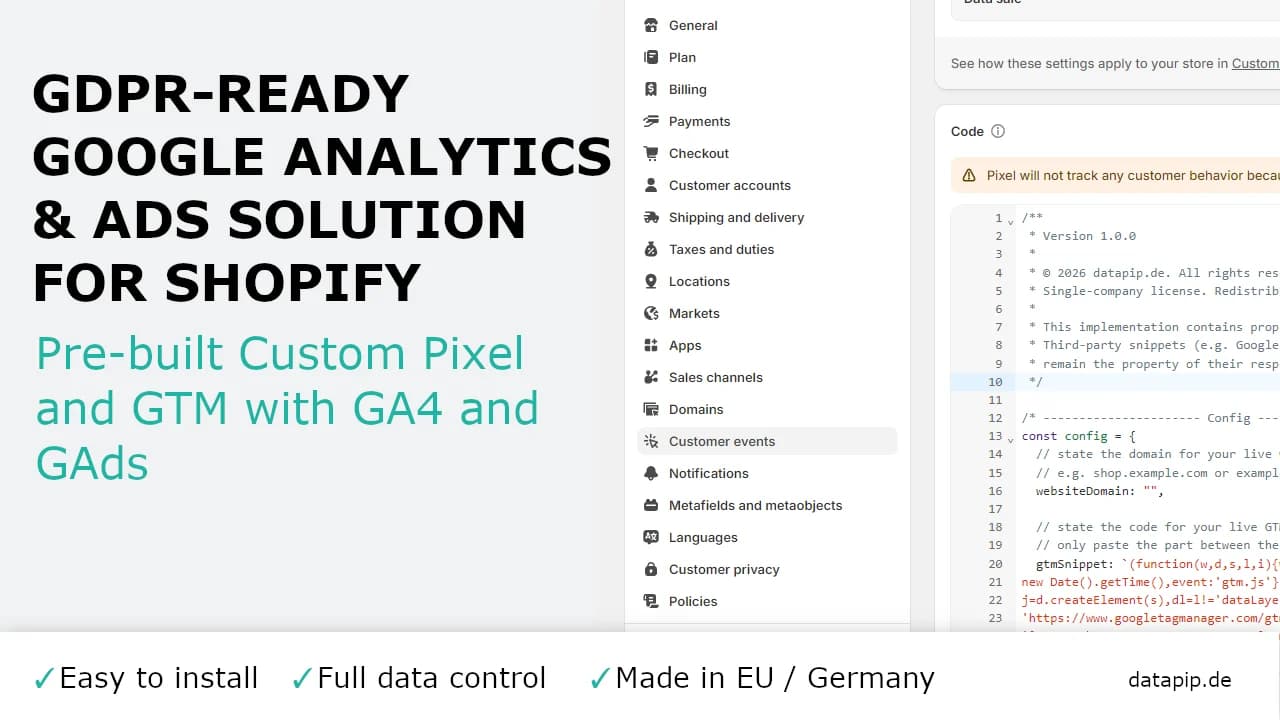
What This Template Does
It's made up of two simple parts that work together:
- Shopify Custom Pixel: Captures every event in your shop without gaps — from product views to cart actions to checkout — and prepares the data safely inside an isolated sandbox. Personal data such as email address or phone number can optionally be anonymized automatically before it's transmitted (SHA-256 hashing).
- GTM Container: Receives the prepared pixel data and controls the handoff to GA4 and Google Ads. Through its strict link to Shopify's Privacy API, tags only fire once the visitor has actually given the relevant consent.
You get both parts ready to set up yourself: the pixel file for Shopify and the container file for Google Tag Manager.
Key Benefits
From page views, to product views, to a completed purchase — every important step is captured automatically.
Nothing is tracked until a visitor agrees. As soon as they do, tracking is activated and data collection begins.
Conversion tracking and remarketing are included from day one, so you can measure ad performance and reach past visitors again.
Personal data like emails or phone numbers can be hashed right on the customer's device — if you want it to be.
No locked-down app and no hidden logic — every part of the code is easy to read and can be changed later if your shop's needs grow.
How It Works
- 1
Import the GTM Container
In Tag Manager, import the container file, choose a workspace, and merge or overwrite.
- 2
Add Your Own IDs
Enter your GA4 Measurement ID, Google Ads Account ID, and Conversion Label.
- 3
Add the Pixel to Shopify
Paste the pixel into Customer Events, fill in your own details, and switch it on.
- 4
Check Consent Is Set Up
Make sure Shopify's privacy settings (or your consent tool) are switched on — the pixel reads consent directly from there.
- 5
Test Before You Publish
Use a test order to confirm everything works correctly, then publish.
What You Need
- A Shopify store where you can add Custom Pixels
- A Google Tag Manager account
- A GA4 property
- Optional: A Google Ads account, if you want conversion tracking
Frequently Asked Questions
GDPR-Ready Tracking Setup for Shopify.
Get the GDPR-ready setup made of Custom Pixel and GTM Container for GA4 & Google Ads.
Buy it on Gumroad